How the diary works
Every screen, what it is, and what to do on it. All screenshots show sample data from a test account.
1. Signing in
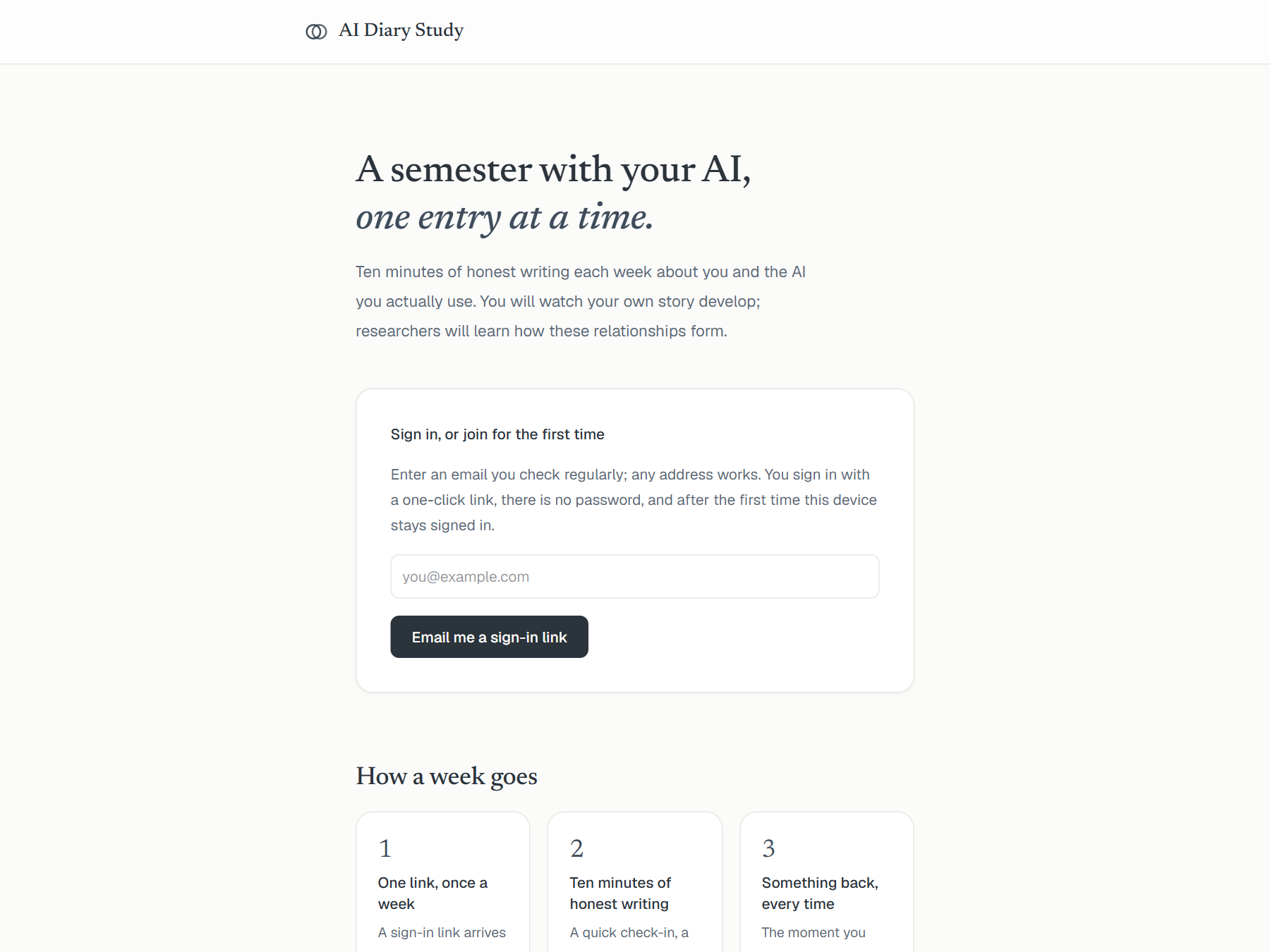
Go to haiiqu.com/aidiary. Type an email address you check regularly and press the button. A sign-in link arrives within a minute from AI Diary Study (admin@rockdsg.com); one click on it signs you in. There is no password, and after the first time, the device you used stays signed in for the whole semester. If the email is not in your inbox, check spam, and add the sender to your contacts so the weekly links land where you can see them.
2. Consent
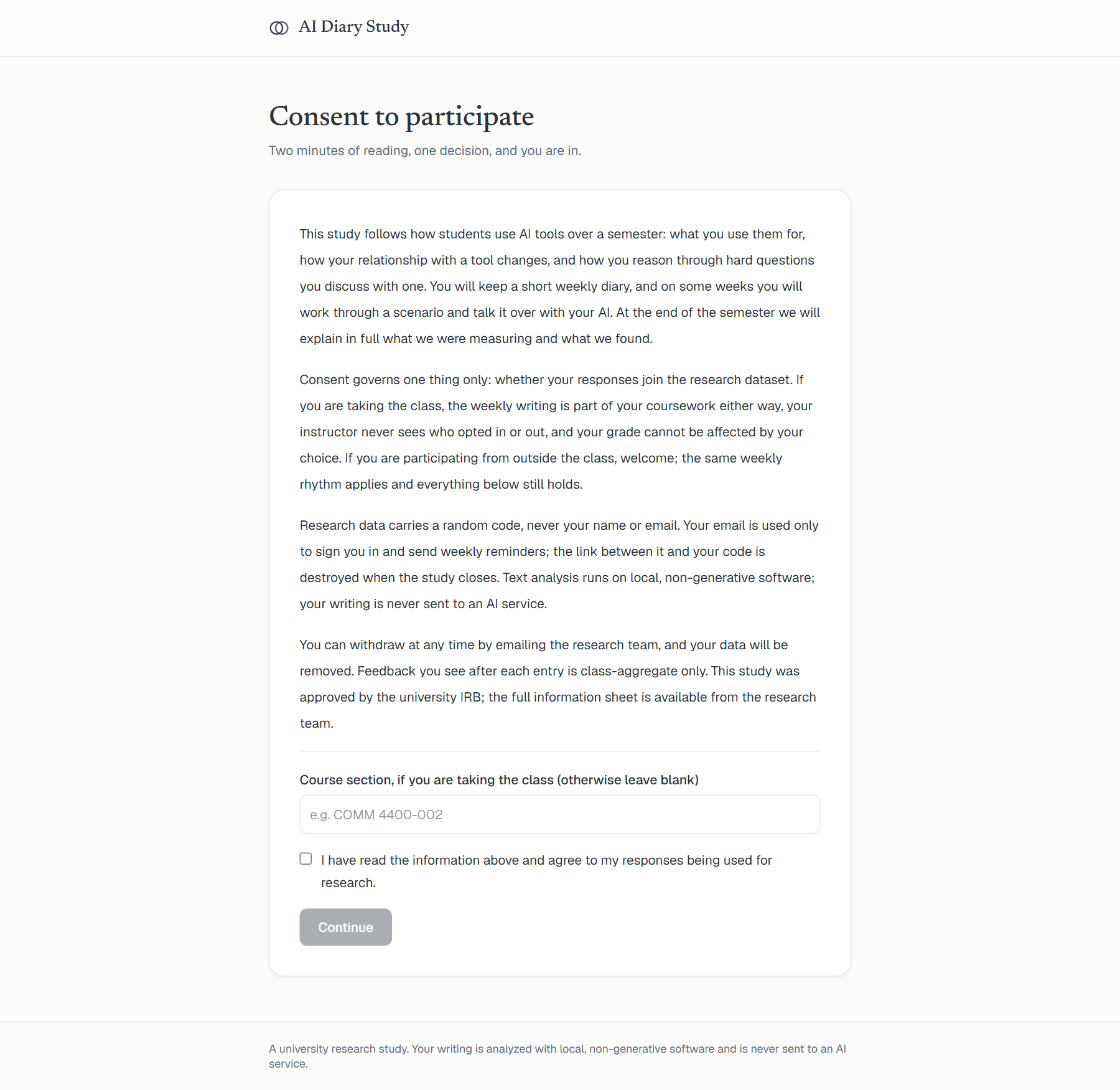
The first time you sign in, you read a short consent page and make one decision: whether your responses join the research dataset. If you are taking the class, you can use the diary either way; consent controls research use only. Your entries carry a random code, never your name or email, and your writing is analyzed by dictionary software on the study's own computers. It is never sent to an AI service.
3. Your home page
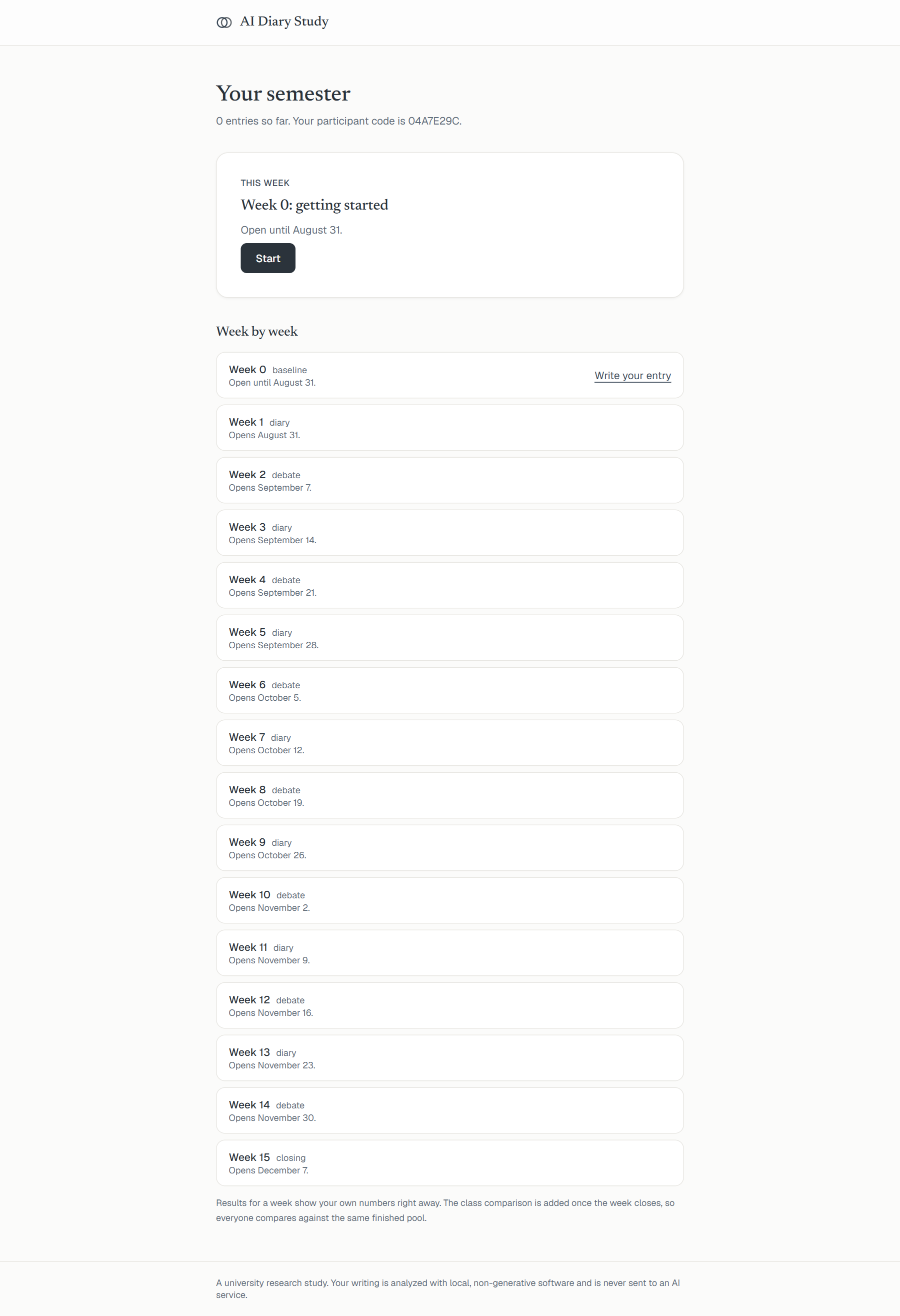
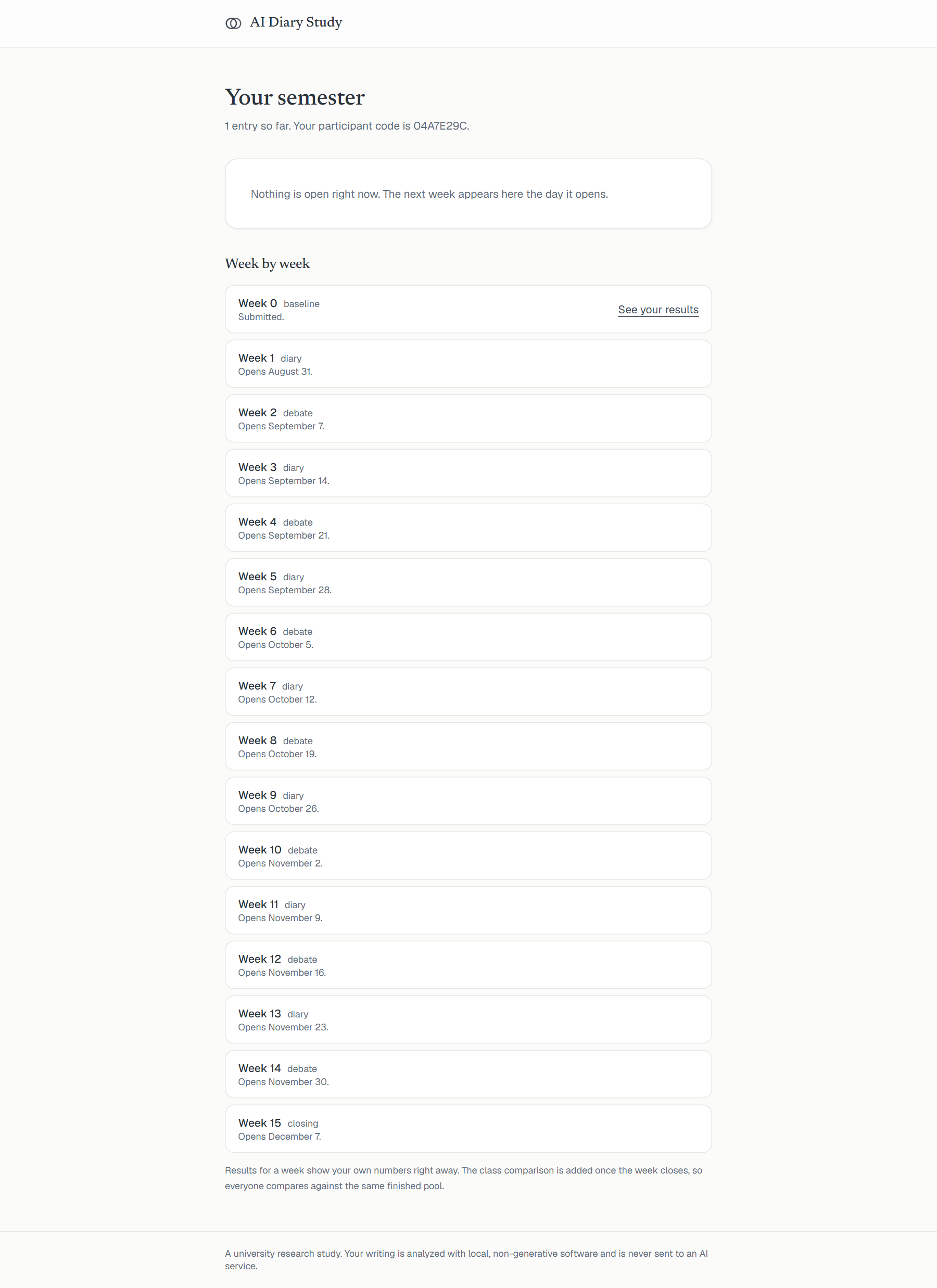
After consent you land on your semester: one card per week. The open week has a button to start writing; past weeks show your results; future weeks show when they open. Weeks open on Mondays, and each closes when the next one opens.
4. A session, screen by screen
Every session starts with two sliders about right now, before any writing. There are no wrong answers anywhere in the diary.
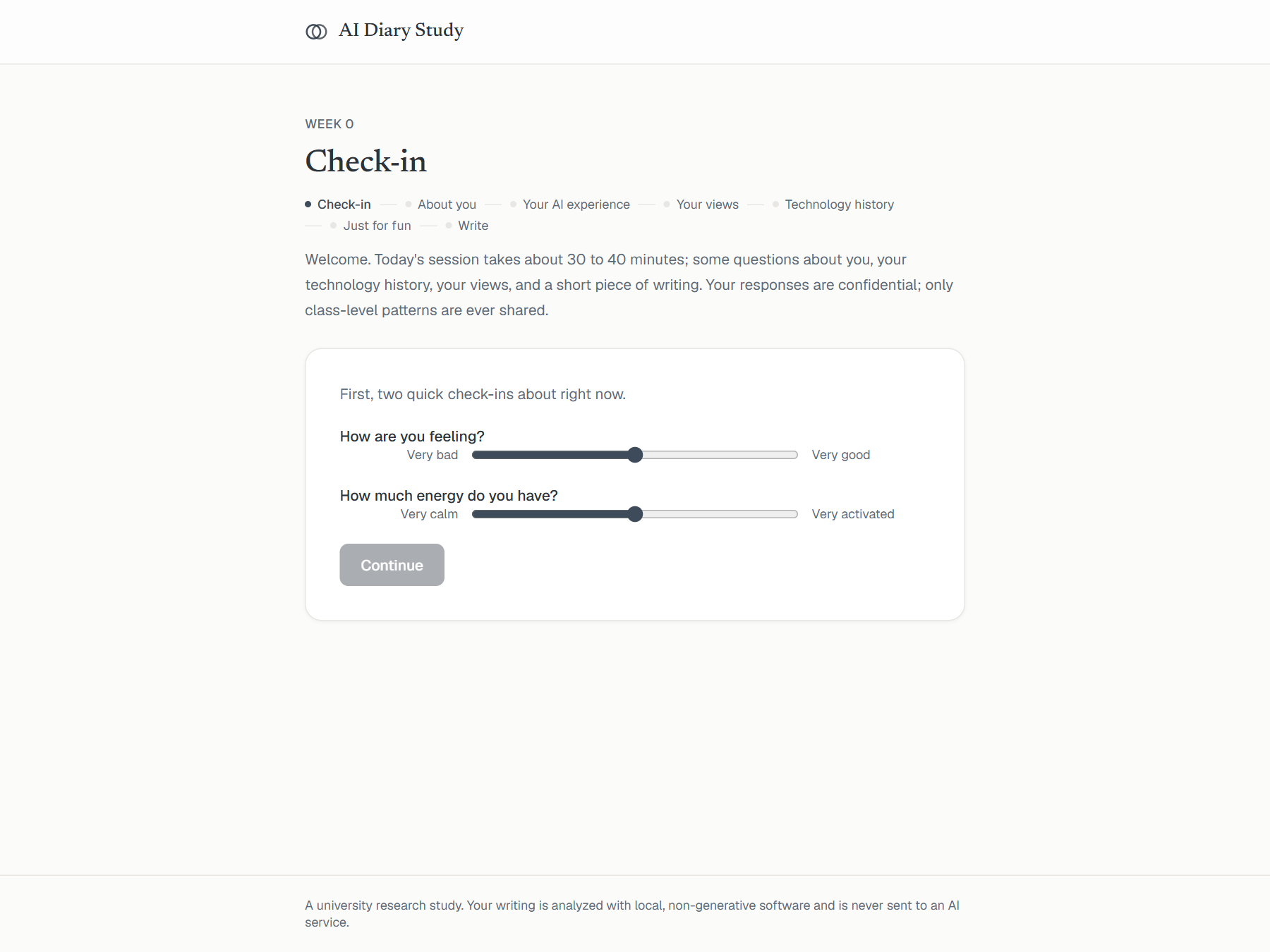
The first session also asks a little about you, your experience with AI tools, and your views. These appear once, not every week. The progress trail at the top always shows where you are.
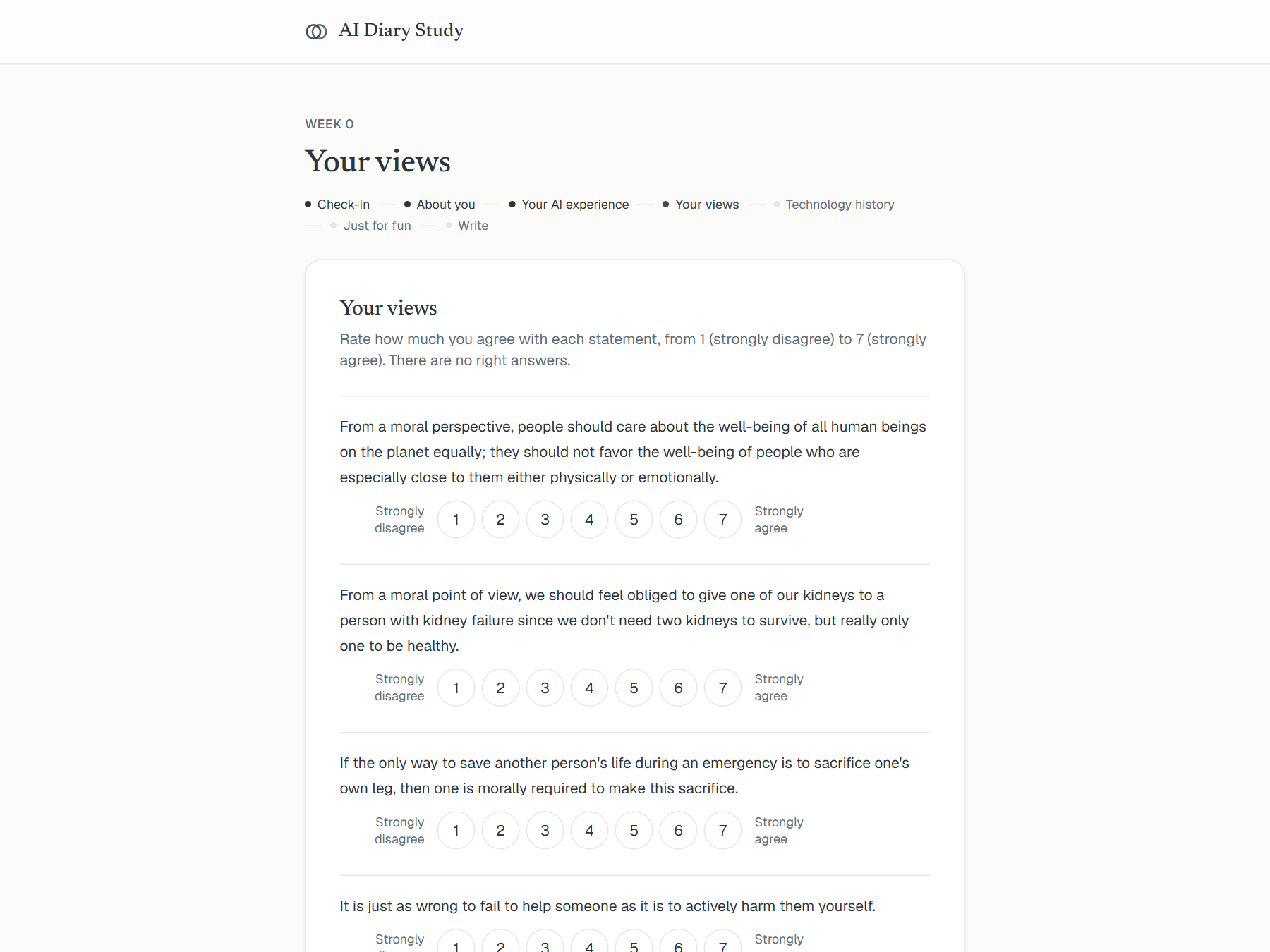
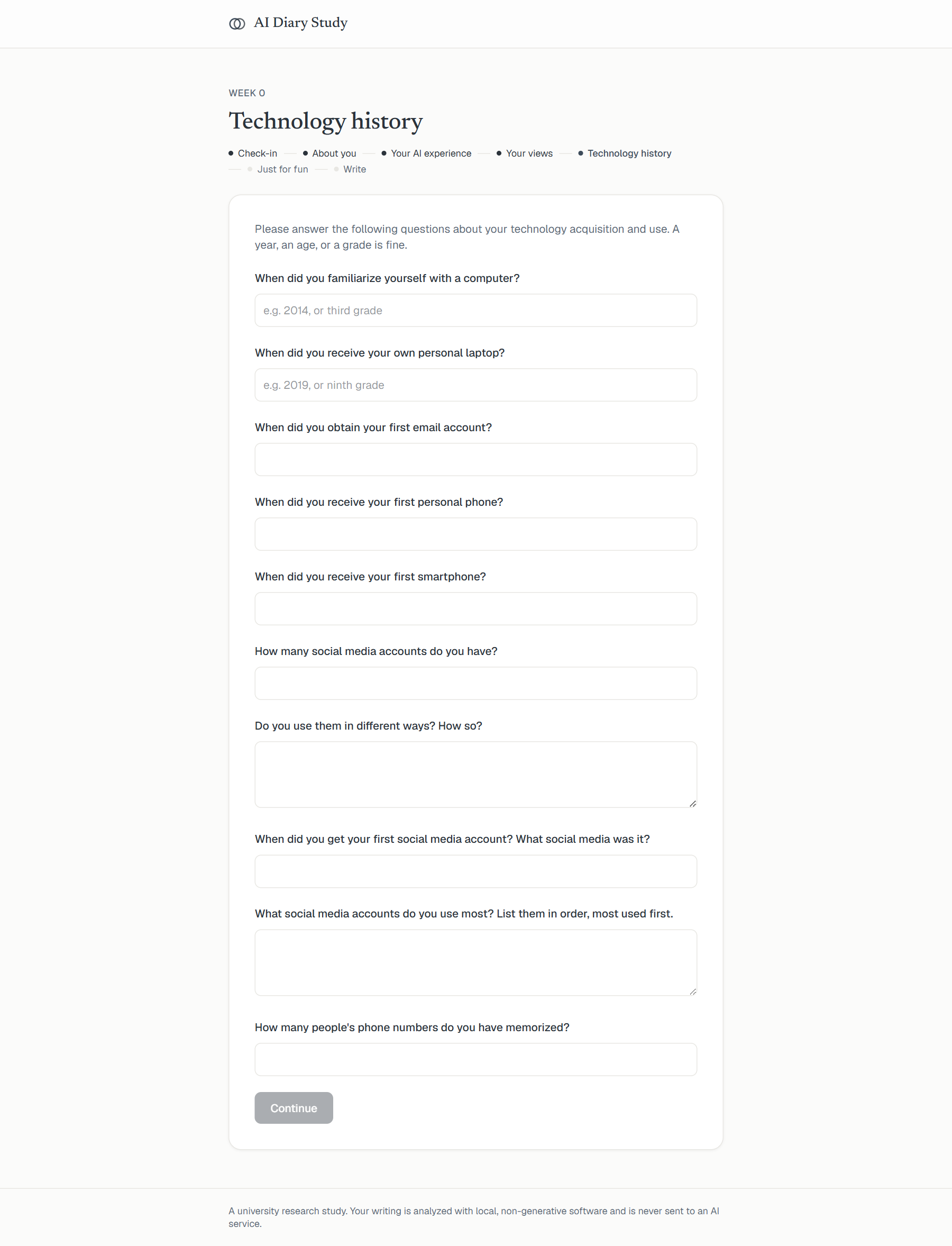
One question is purely for fun and completely optional: your zodiac sign. At the end of the semester the class results will show whether signs line up with writing style at all. (The research says they should not. That is the fun of checking.)
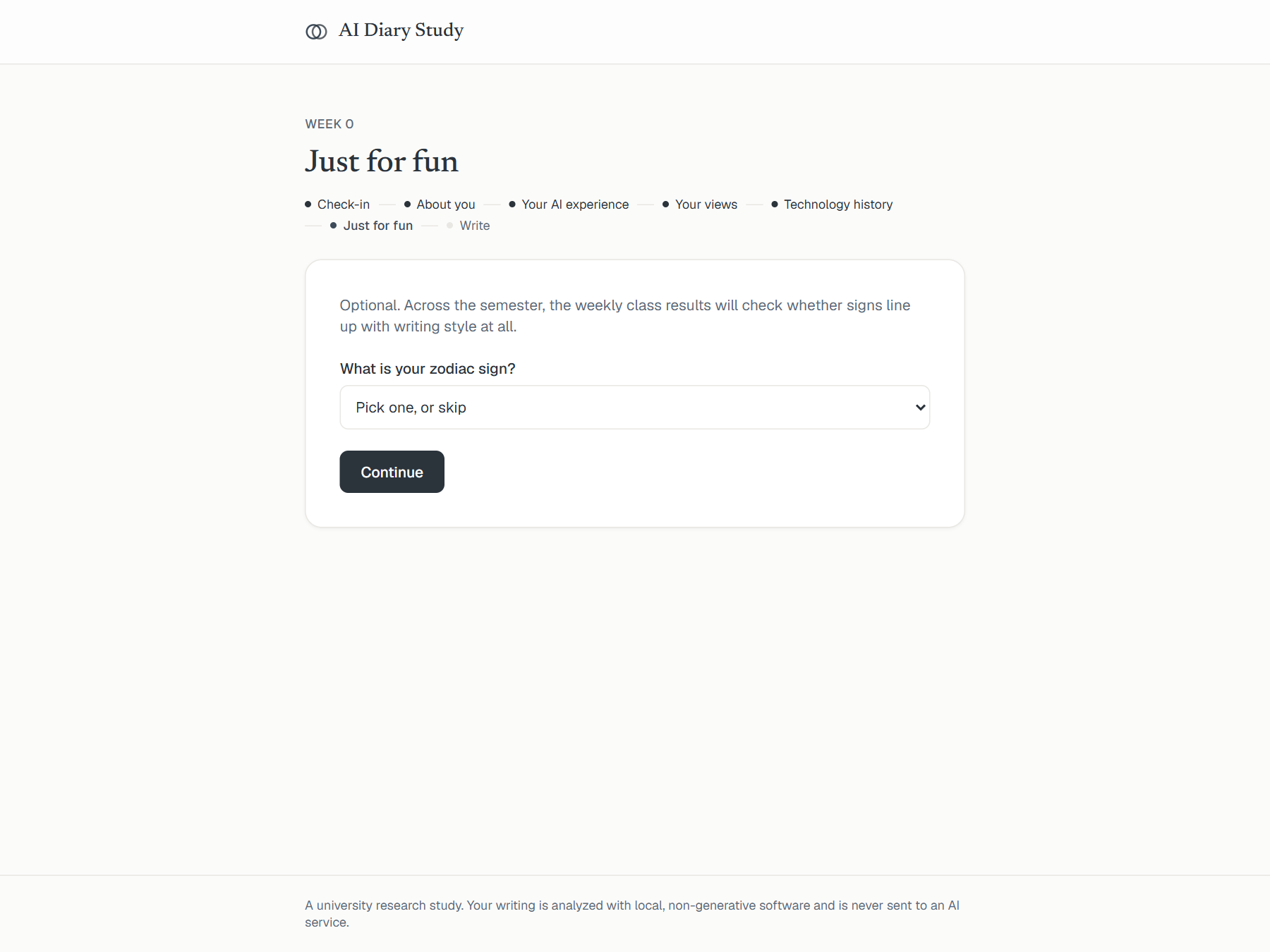
5. The writing
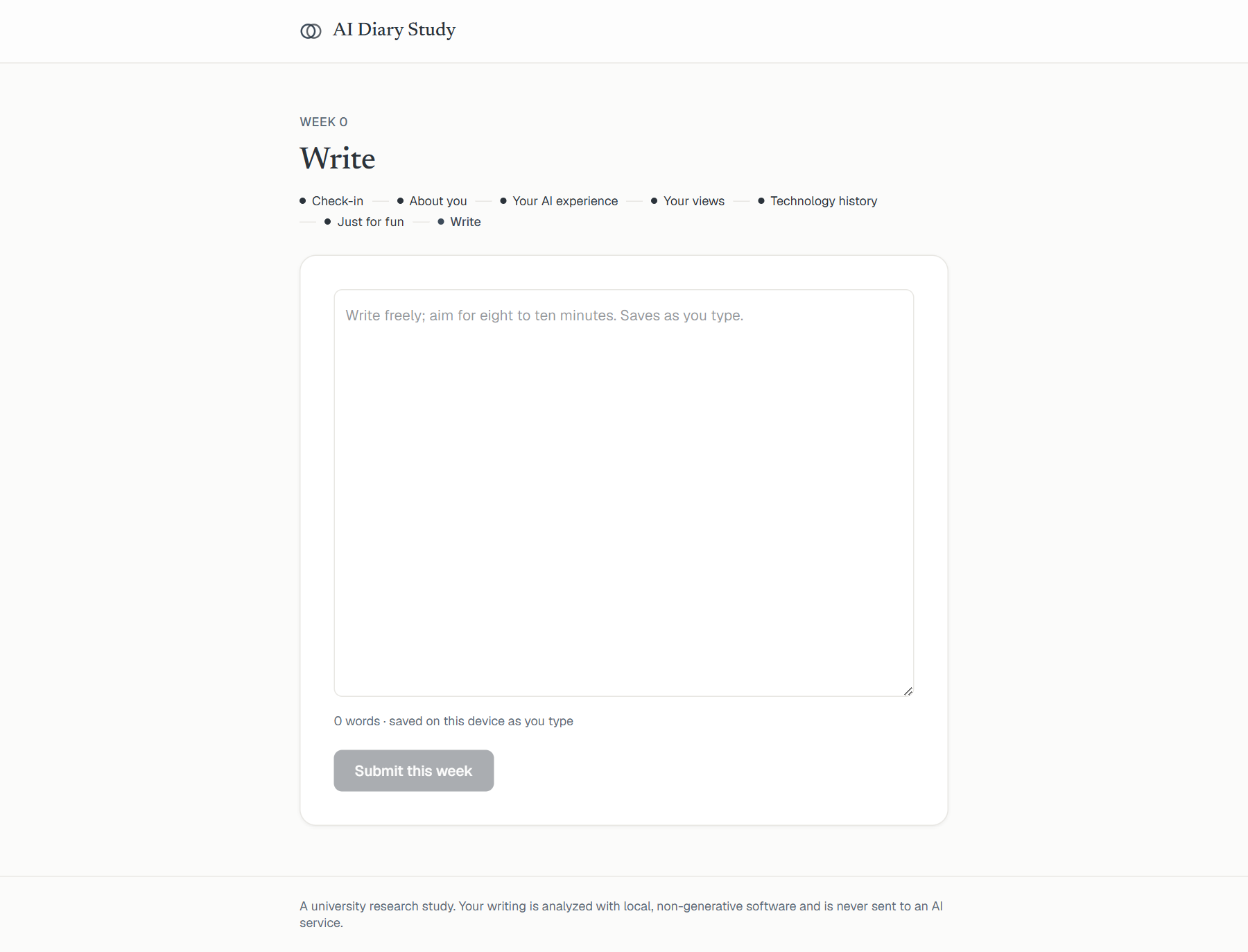
The heart of every week: one box, about ten minutes of honest writing about you and the AI you actually use. The prompt sits above the box, some weeks with an extra topic highlighted. Your draft saves on your device as you type, and there is no timer. Pasting is turned off in the writing box on purpose; the study needs your own words as you type them.
6. What you get back, every week
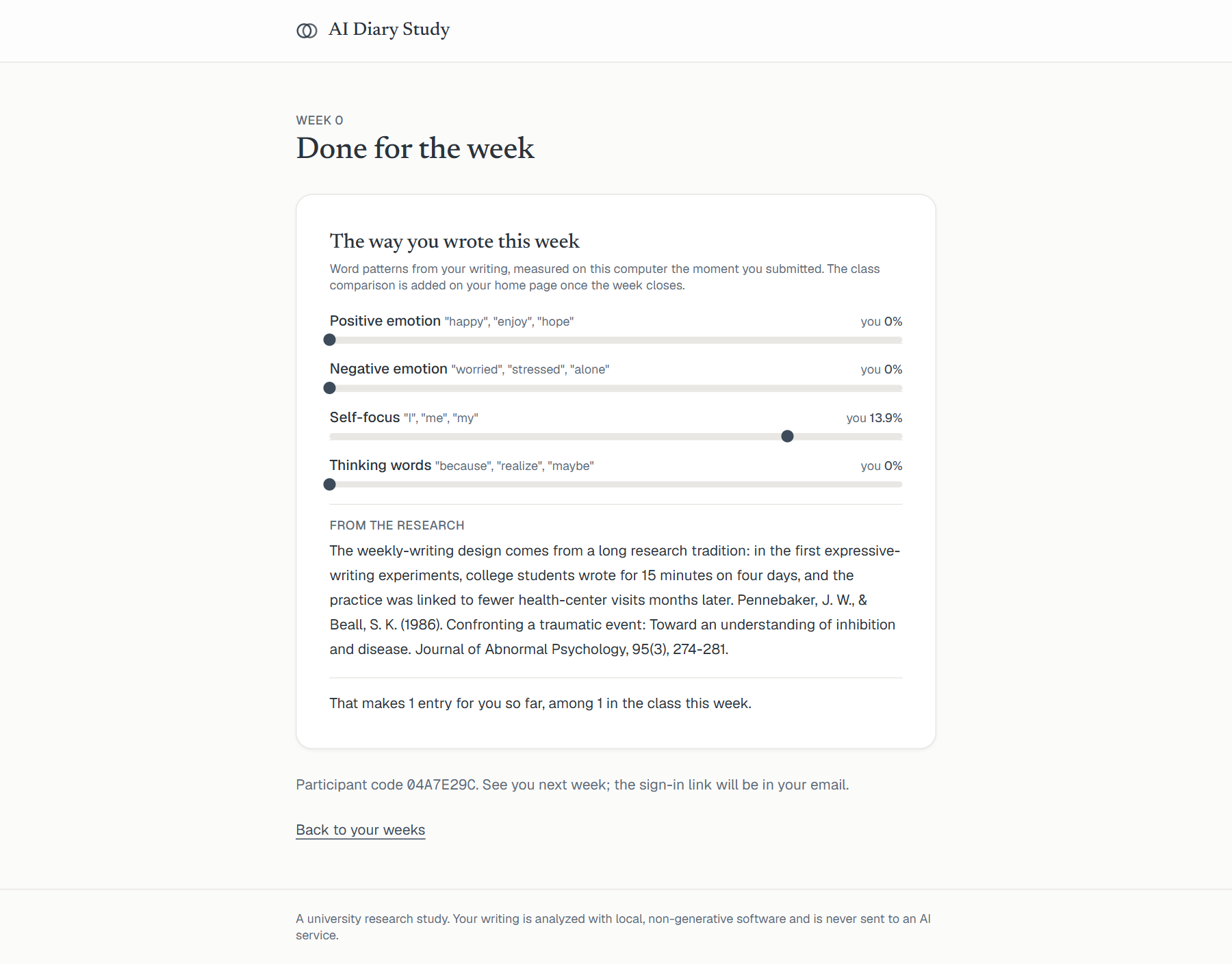
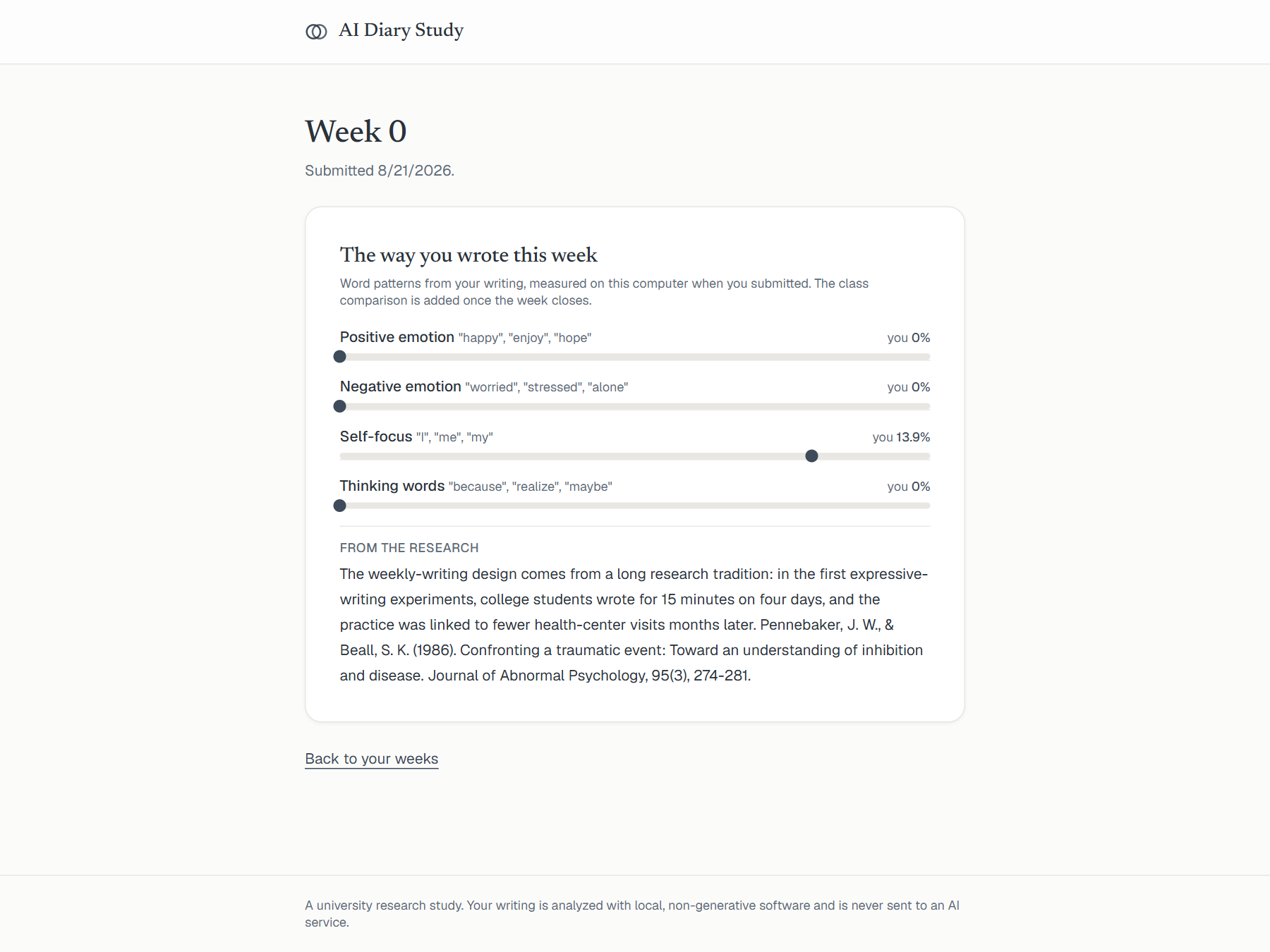
The moment you submit, the portal holds a mirror up to your own language: how warm it ran, how much of it was about you, how hard it was working through something. Each bar is a percentage of your words, measured on the study's own computer the moment you pressed submit. Below it: your mood before and after writing, a finding from the research with a full citation you can chase, and on some weeks an optional extra questionnaire whose scores you see immediately.
7. Coming back
Your home page keeps every week's results for the whole semester. Once a week closes, the class median is added to your bars, so you see how your week sat alongside everyone else's finished week. Always the class in aggregate, never another person's writing.
Privacy, in one paragraph
Your email is used only to sign you in and is stored separately from your responses. Research data carries a random participant code. Your writing is analyzed as language by local, non-generative software; it is never sent to an AI service, and results are only ever reported in aggregate. You can withdraw at any time by emailing the research team, and your data will be removed.